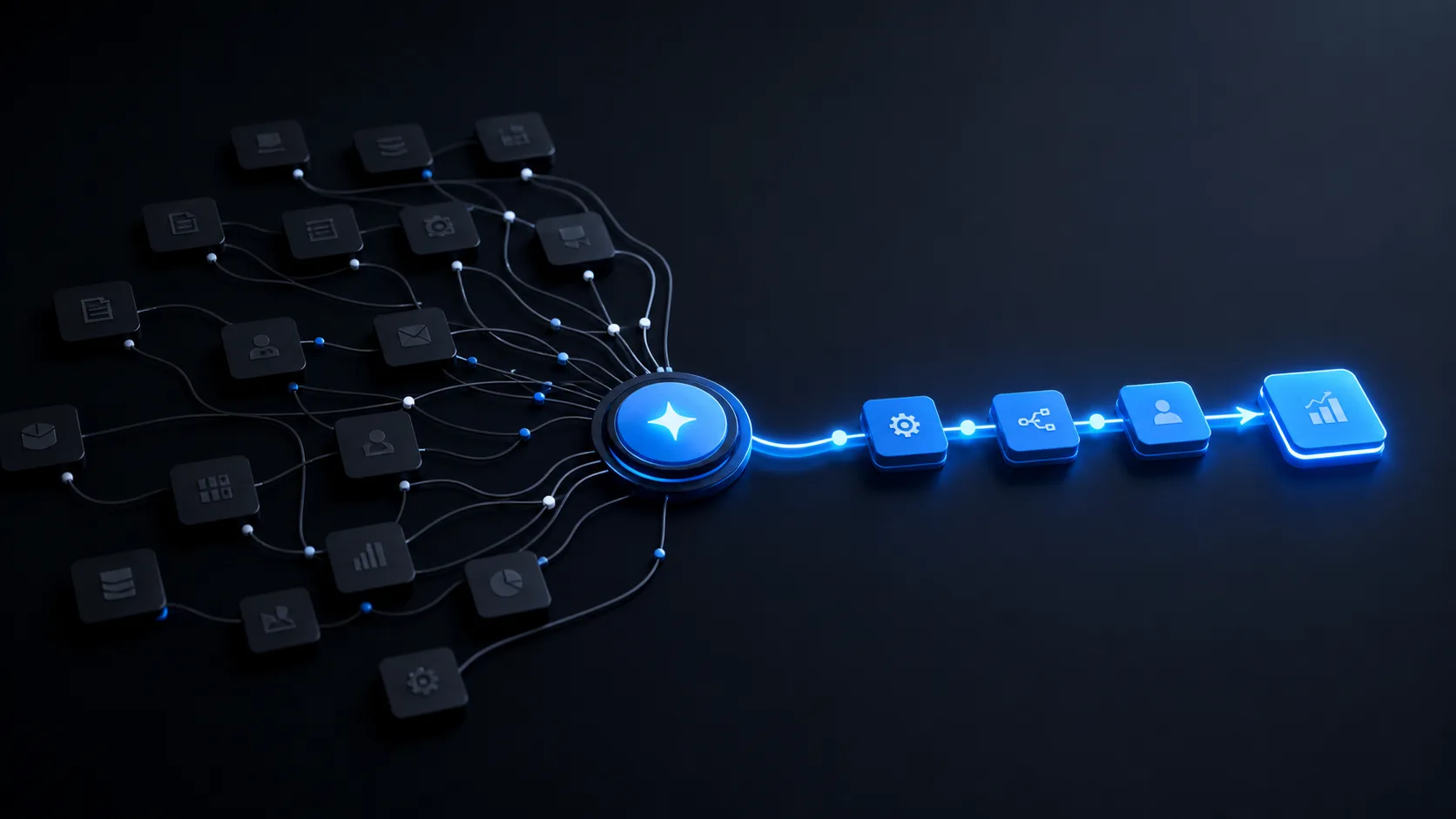
An AI agent becomes useful when it behaves like the first structured layer of your customer workflow, not like a generic chatbot. It should understand why the visitor came, ask only the questions that change the next action, and send the team a clean summary.
The goal is not to make the agent sound impressive. The goal is to reduce waiting, collect context consistently, and help a human continue the conversation with better information.
Start with the business outcome
Before writing prompts or choosing a model, define what the agent should improve: faster first response, better qualification, fewer missed enquiries, clearer routing, or cleaner dashboard data. A clear outcome keeps the conversation focused.
Ask fewer questions, but make them count
The best intake agents do not interview visitors for ten minutes. They collect name, phone, country, company, and one practical question: what is happening now, and what should improve? That answer gives the team enough context to prepare a useful response.
Connect the agent to a workflow
Every submitted conversation should create a clear record. For KODIA, the useful destination is the control panel, where the team can see the lead, the recommended system, source page, country, company, and current situation. That makes the agent part of CustomerFlow, not a separate widget.
Keep human takeover visible
The agent should qualify and organize, while people handle trust, pricing, negotiation, and exceptions. Show the visitor what happens next, give them a clear way to contact the team, and avoid pretending every response is human.
It should talk naturally, submit structured data, and help the team respond faster with context.
Frequently asked questions
Can an AI agent talk to website visitors?
Yes, but it should ask only useful business questions, explain the next step, and submit structured data to the team.
What data should the agent collect?
Name, phone, country, company, current situation, desired improvement, and the recommended system are enough for a first response.
KODIA AI is a UAE-based business automation and AI systems company started in 2024, serving growing companies across the GCC and selected regional markets.
About KODIA →