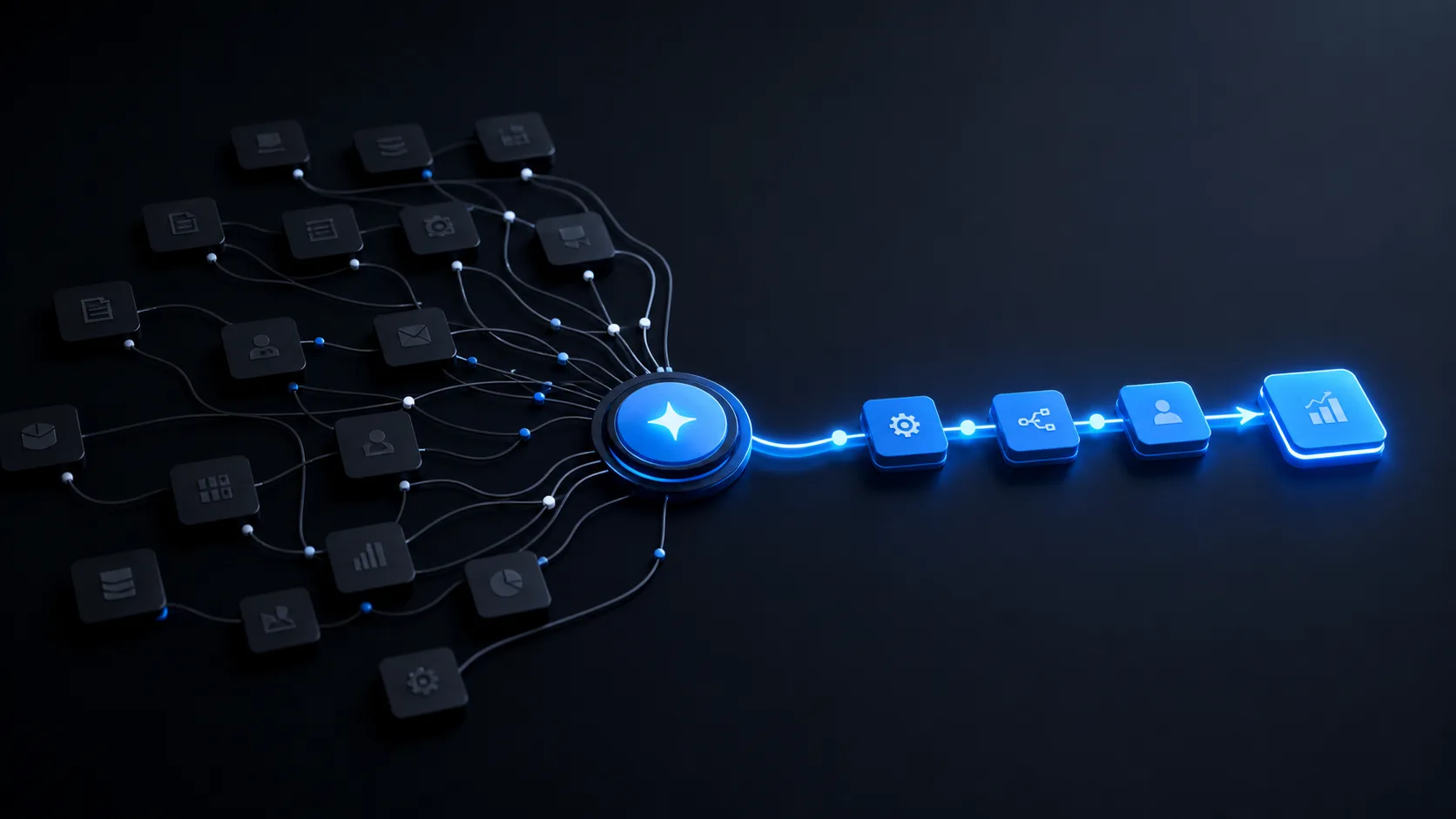
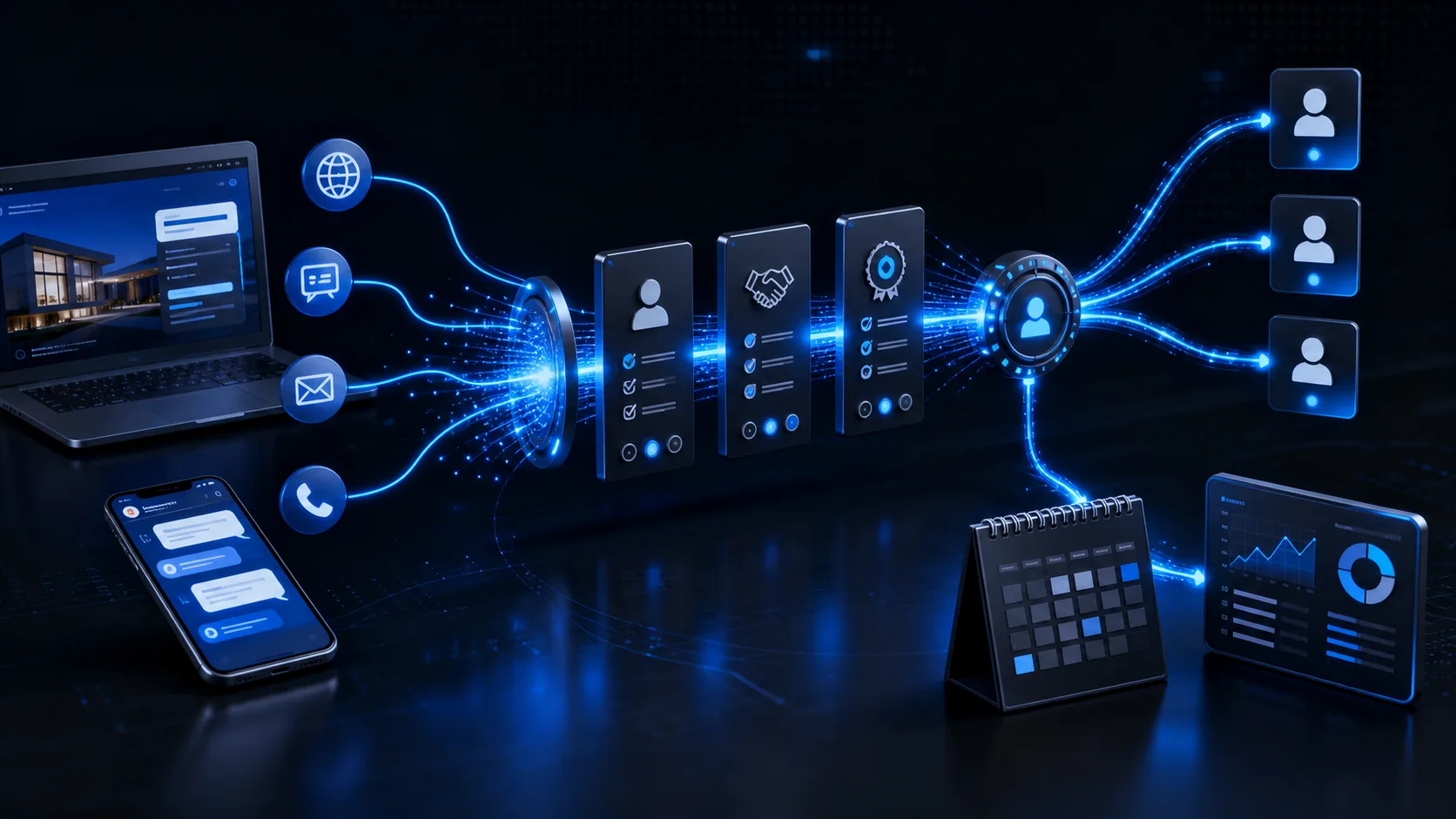
A lead response system is not an automatic greeting. It is the operating path that moves an enquiry from any channel to a qualified conversation, accountable owner, booked next step, persistent follow-up, and visible outcome.
For many GCC businesses, enquiries arrive through websites, WhatsApp, social campaigns, calls, and referrals. The customer experiences one company, but the team often sees disconnected inboxes. A connected system closes that gap.
The cost of slow and inconsistent response
When ownership is unclear, valuable enquiries wait. Staff ask whether someone replied, information is requested twice, and follow-up depends on individual memory. Management sees campaign volume but cannot reliably connect it to conversations, appointments, or revenue.
The seven layers of a reliable lead response system
- Capture: receive enquiries from forms, messaging, campaigns, calls, and imports.
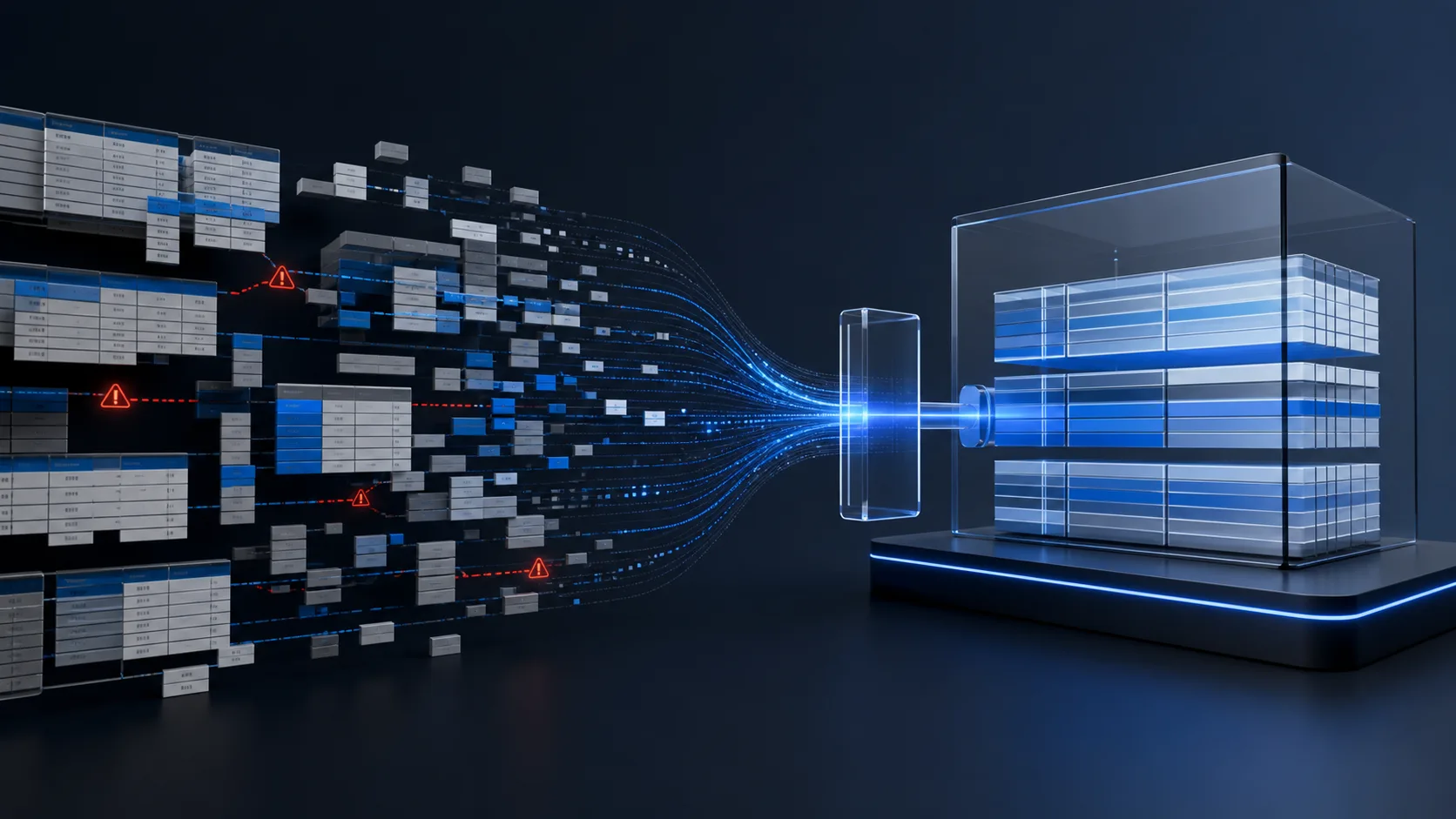
- Normalize: create one record with consistent contact, source, service, and consent data.
- Acknowledge: confirm receipt immediately with useful next-step expectations.
- Qualify: collect the minimum information needed to understand fit, urgency, location, or budget.
- Route: assign the right owner using territory, service, language, availability, or value.
- Advance: book a call, viewing, consultation, demo, or another defined next step.
- Measure: connect source, response, status, appointments, outcomes, and reasons for loss.
This architecture can be configured as a CustomerFlow around your existing website, WhatsApp provider, CRM, calendars, and reporting tools.
Use automation to capture context, apply rules, send confirmations, and maintain follow-up. Keep people responsible for judgment, trust, negotiation, and exceptions.
Design qualification and routing carefully
Long forms reduce completion. No qualification sends noise to sales. Start with the minimum questions that change the next action. A clinic may need service, preferred location, and timing. A property team may need area, property type, budget range, and buying timeline.
Routing rules should be explicit
- Which team owns each service or geography?
- What happens when the primary owner is unavailable?
- Which enquiries need immediate escalation?
- When should a lead enter nurturing instead of direct sales?
- How are duplicates and existing customers handled?
Every routed lead should include the captured context, source, timestamp, and expected response window. Assignment without context simply moves the manual work.
Build follow-up as a state machine
Follow-up should respond to status, not send the same sequence to everyone. Define states such as new, contacted, qualified, booked, no response, nurturing, won, and lost. Each state has an owner, next action, deadline, and exit rule.
| State | System action | Human responsibility |
|---|---|---|
| New | Acknowledge, qualify, assign | Review priority and context |
| Contacted | Schedule reminder and record activity | Run the conversation |
| Booked | Confirm, remind, and prepare information | Deliver the appointment |
| No response | Run a limited multi-channel sequence | Decide when to nurture or close |
| Lost | Capture reason and stop sales messaging | Validate the reason and learning |
WhatsApp needs governance
WhatsApp is central to many regional customer journeys, but it should not become an invisible CRM. Use approved templates where required, record consent and status, preserve human takeover, and synchronize key events with the customer record.
Measure what changes customer and sales performance
- Median first-response time by channel and working period.
- Percentage of enquiries successfully assigned.
- Qualification rate and reasons for disqualification.
- Booking rate, attendance rate, and time to next step.
- Follow-up completion and leads with overdue actions.
- Conversion by source, service, owner, and segment.
- Lost reasons and the value of recoverable opportunities.
A dashboard should make action easier. It should show which leads need attention, where the workflow is blocked, and which sources create qualified outcomes—not only total lead volume.
A practical launch roadmap
- Map channels, current response behavior, owners, and baseline metrics.
- Define the customer record, lifecycle stages, and minimum qualification.
- Connect one primary channel, CRM, and booking path.
- Test assignment, duplicates, unavailable owners, and failed integrations.
- Pilot with a small team and review conversations daily.
- Add channels and follow-up only after the core journey is reliable.
The goal is not more automated messages. It is more qualified conversations, fewer missed opportunities, and visible ownership from first contact to outcome.
Frequently asked questions
What is a lead response system?
It is the workflow that captures enquiries, qualifies them, assigns ownership, books the next step, follows up, and measures outcomes.
Should lead response be fully automated?
No. Automation should handle capture, routing, reminders, and visibility while people handle trust, judgment, negotiation, and exceptions.

KODIA AI is a UAE-based business automation and AI systems company started in 2024, serving growing companies across the GCC and selected regional markets.
About KODIA →